

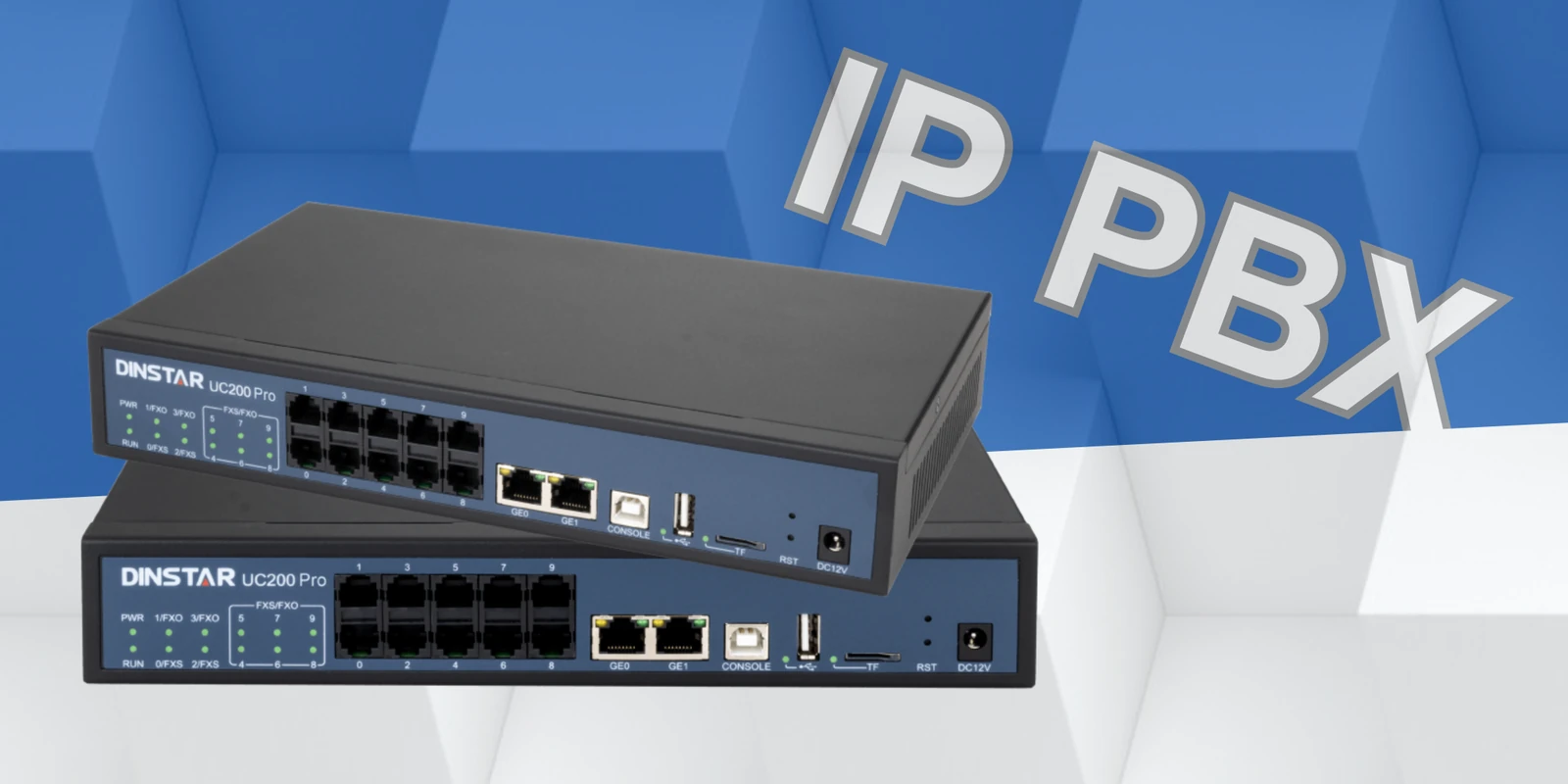
What is the Dinstar UC200 Pro IP PBX? Everything You Need to Know
Introduction In today’s fast-paced digital landscape, seamless and efficient communication is essential for businesses of all sizes. Small and medium-sized enterprises (SMEs) often struggle to find a cost-effective yet feature-rich communication system that enhances productivity and scalability. The Dinstar UC200 PRO IP PBX is the perfect solution for SMEs looking for a reliable, scalable, and...
Design the phone system around how people work
An IP PBX brings extensions, users, and calling rules together, so begin by documenting teams, locations, working hours, and the way calls should reach each group. Decide how extensions, voicemail, queues, transfers, and after-hours handling should work before configuring individual accounts.
Estimate the number of users and simultaneous calls, and include remote staff and future additions in the plan. Confirm that phones, softphones, network connectivity, and SIP trunks are compatible with the intended setup. A small pilot helps uncover usability or call-flow gaps early.
Keep the system manageable as it grows
Use clear naming, role-based permissions, and a documented process for adding or removing users. These habits reduce configuration drift and make routine changes easier to review. Make sure administrators know how to back up settings and restore service if a change has an unintended effect.
After launch, review call quality and user feedback alongside operational needs. Update routing when teams or business hours change, and periodically test voicemail, transfers, external calling, and recovery procedures so the system remains dependable rather than merely functional on day one.
Prepare for a dependable IP PBX
A successful communication deployment depends on matching the technology to real-world call flows, existing systems, and the people who support them. Use these points as a starting checklist:
- Estimate users, extensions, simultaneous calls, and remote endpoints.
- Check SIP phone and trunk interoperability before migrating users.
- Plan backups, permissions, call routing, and a clear recovery process.
Test the proposed setup with representative traffic and document the final configuration before rollout. A staged deployment makes it easier to confirm call quality, interoperability, and recovery procedures while keeping existing services available.

Dinstar Support in India: Reliable VoIP & Communication Solutions
In today’s business world, reliable communication is essential for keeping operations running smoothly and providing better customer service. Businesses across different industries use...

Which Dinstar FXO VoIP Gateway is Best for Your Business?
Businesses moving from traditional telephony to IP-based communication often face an important question: Which FXO VoIP Gateway is the right choice for their existing telephone...